






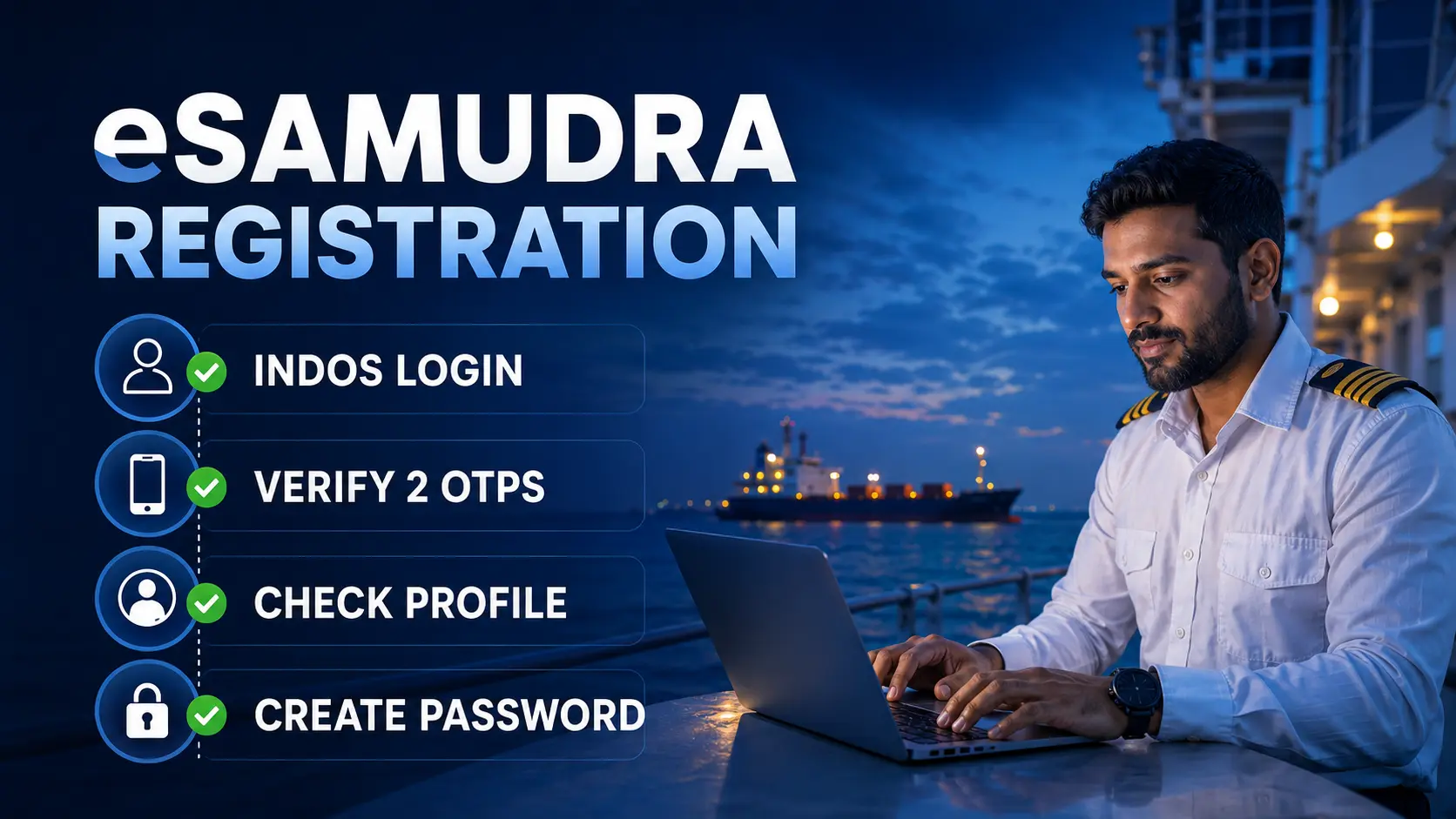
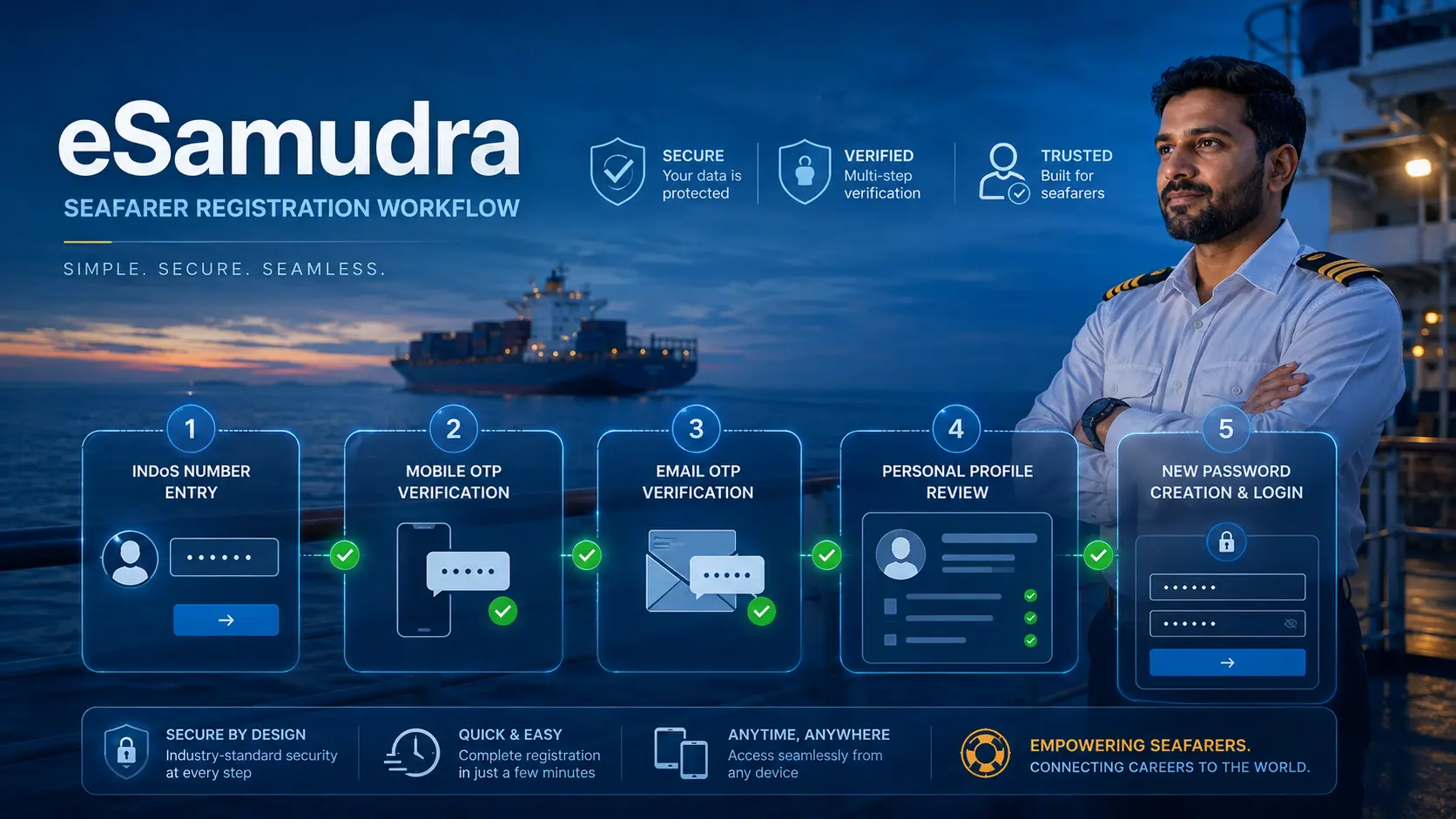
eSamudra seafarer registration uses the seafarer’s INDoS number as the username and requires mobile and email OTP verification. After both OTPs are verified, the seafarer reviews the migrated profile, creates a new eSamudra password and signs in using the INDoS number and that new password.
If an OTP does not arrive because the registered mobile number or email is outdated, the official registration SOP instructs the seafarer to update the contact details through the applicable DG Shipping account route, allow time for the change to reflect and retry eSamudra registration.
Direct answer
Use your INDoS number to begin registration. Verify the mobile and email OTPs, check the migrated profile, create the portal password and then log in using INDoS plus the new password.
Official support
Email: dgs.support@gov.in
Helpdesk: +91-79-65804875
Hours: Monday–Friday, 9:30 AM–6:00 PM IST
Check the live service route before starting a CoC, CoP or other certification application. The April 7 migration notice said CoP and CoC services would remain on the existing portal temporarily, but newer DGMA material now describes eSamudra as the single window for seafarer services including CoC applications, revalidation and INDoS updates. Other current official pages still contain older routing language, so service-specific verification is safer than relying on the April notice alone.
In this eSamudra seafarer registration guide
Who should complete eSamudra seafarer registration?
The official seafarer-profile migration material asks Indian seafarers to register on eSamudra using the identity already associated with their INDoS record.
Registration does not create a new INDoS number. The existing INDoS number is used as the eSamudra username.
What do you need before starting?
INDoS number
This is used as the login username.
Active mobile
The registration process uses the mobile contact linked to the seafarer record.
Active email
The registration process also uses the registered email address.
New password
A portal-specific password is created during registration.
eSamudra seafarer registration: step-by-step process
- Open the official eSamudra portal. Use the official DG Shipping/DGMA route.
- Choose the Seafarer registration option.
- Enter your INDoS number. This becomes the username.
- Submit the registration request. OTP verification is then required.
- Verify the mobile OTP.
- Verify the email OTP. Check Spam or Junk if necessary.
- Review the migrated personal details.
- Create the new eSamudra password.
- Complete captcha and confirmation.
- Log in with INDoS and the new password.
What should you do when eSamudra OTP is not received?
The registration SOP distinguishes a temporary delivery problem from outdated contact information.
| Problem | What to do | What not to assume |
|---|---|---|
| Email OTP is missing | Check Spam or Junk, wait briefly and use the official resend route where available | Repeated immediate requests may not solve a contact-record problem |
| Registered mobile or email is outdated | Use the applicable official DG Shipping profile/contact-update route | Changing details outside the controlling record will not necessarily update eSamudra |
| Contact details were changed | Allow the official synchronisation period before retrying registration | The change may not appear instantly |
| The problem continues | Use dgs.support@gov.in or +91-79-65804875 during published support hours | Never share a live OTP or password with an unofficial agent |
Never disclose an OTP or password to a third party. Use only official support channels and describe the error without giving away authentication credentials.
How should you verify the migrated seafarer profile?
After OTP verification, review the pre-filled identity and contact information before completing registration. Check the name, INDoS-linked contact details and any obvious mismatch shown in the migrated profile.
Successful registration confirms access to the migrated account. It does not by itself prove that every certificate, sea-service entry or service-specific record is correct.
Which password should be used for eSamudra login?
The eSamudra registration process creates a new portal-specific password. After registration, use the INDoS number as the username and the new eSamudra password for login.
If the password is forgotten, use the official eSamudra Forgot Password route rather than an unofficial reset page.
Which DG Shipping portal should a seafarer use now?
The answer depends on the service.
| Task | Current evidence | Practical action |
|---|---|---|
| eSamudra registration and login | eSamudra is the current registration and login platform | Use INDoS plus the eSamudra registration flow |
| Forgot password | An official eSamudra Forgot Password route is live | Use the official reset route |
| CoC applications and revalidation | Current DGMA Nautical Examinations guidance describes eSamudra as the single window for these seafarer services | Check the live eSamudra service option before relying on older portal instructions |
| CoP or another service with conflicting official routing | Some current DGMA pages still carry older routing language | Verify the service-specific official page or eSamudra dashboard before submission |
The April 7 statement that CoP and CoC services would remain on the existing portal was explicitly temporary. Current DGMA material shows that migration has progressed. Do not use that April statement as a permanent routing rule.
Common eSamudra registration mistakes
- using an inactive mobile number or email;
- assuming an old portal password must work on eSamudra;
- ignoring the email Spam or Junk folder;
- retrying immediately after changing contact information;
- entering the wrong INDoS number;
- not checking migrated profile details;
- sharing OTPs or passwords with unofficial agents;
- using sponsored or copied links instead of an official portal; and
- assuming an April 2026 service-routing statement still controls every CoC, CoP or certification workflow.
How this eSamudra seafarer registration guide was verified
Verification notes
ThePulseSignal checked the official seafarer-profile migration notice, the live eSamudra dashboard and Forgot Password route, current DGMA IT/e-Governance notices and current DGMA Nautical Examinations guidance.
The registration mechanics remain supported: INDoS is used for identification/login, OTP verification is part of the account process, a new eSamudra password is created and official support remains available through the published helpdesk.
Current DGMA material also shows that the service-migration state has progressed beyond the April 7 notice. The Nautical Examinations page now describes eSamudra as the single window for seafarer services including CoC applications, eligibility assessment, revalidation, INDoS updates, photo/signature changes and examination-seat allotment.
Official sources reviewed
Limitations and unresolved facts
Current official pages are not completely uniform about every service route.
- No private seafarer account or authenticated service dashboard was used.
- No live OTP transaction was completed.
- The exact password-complexity rules were not established from the public pages reviewed.
- Current DGMA Nautical Examinations material says eSamudra is the single window for seafarer services including CoC applications and revalidation, while another current FAQ still contains older E-Governance routing language.
- A complete current service-by-service migration table for every CoP, CoC and specialised seafarer workflow was not identified.
- Users should verify the live service route before a consequential submission.
Related ThePulseSignal guides
e-Navik seafarer grievance guide
File, track and appeal a maritime grievance through registered or unregistered routes.
Indian seafarer assistance guide
Understand official assistance, safety and evidence-preservation routes for Indian seafarers abroad.
eSamudra seafarer registration: frequently asked questions
What is the username for eSamudra seafarer login?
The INDoS number is used as the username.
Do I need mobile and email verification?
The official registration material requires OTP verification linked to the registered mobile number and email address.
What if the email OTP is missing?
Check Spam or Junk and verify that the email address linked to the official seafarer record is current.
Can I use my old DG Shipping password?
Registration creates a new password for eSamudra access.
Are CoC services now on eSamudra?
Current DGMA Nautical Examinations guidance describes eSamudra as the single window for seafarer services including CoC applications and revalidation.
Are all CoP and certification services definitely migrated?
A complete current service-by-service migration map was not identified, and some official pages still contain older routing language. Verify the live service route before submitting.
What is the eSamudra support email?
The current official portal lists dgs.support@gov.in.
What is the eSamudra helpdesk number?
The current portal lists +91-79-65804875, Monday to Friday, 9:30 AM to 6:00 PM IST.
Does registration create a new INDoS number?
No. Registration uses the existing INDoS identity.
Bottom line: eSamudra registration still follows the INDoS, OTP, migrated-profile and new-password workflow, but seafarers should now verify the live eSamudra service route rather than assuming the April 2026 temporary old-portal rule still applies to every certification service.
Last verified: September 1, 2026.