






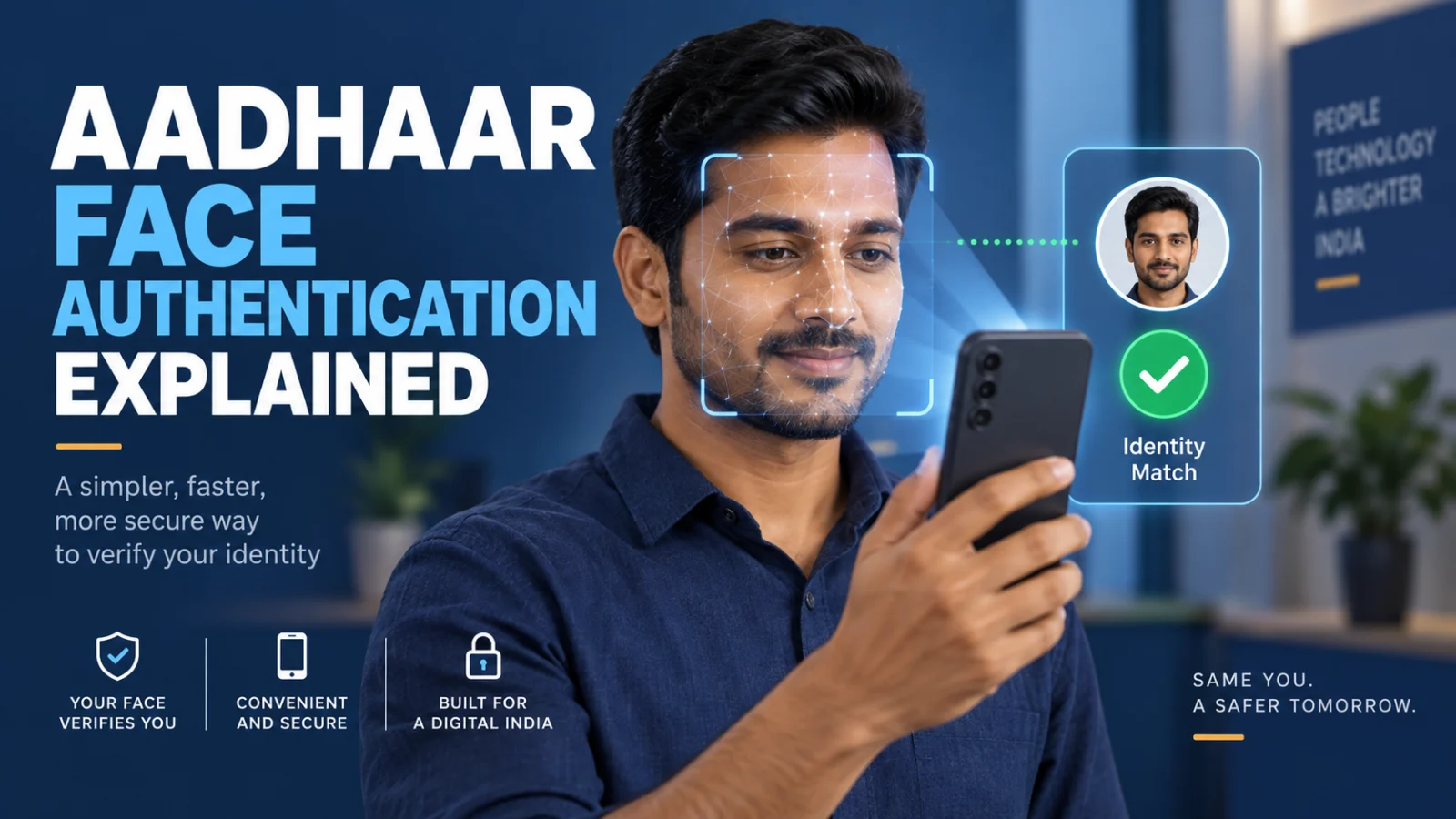
Aadhaar Face Authentication is UIDAI’s consent-based biometric identity check that compares a live face capture with the facial image associated with the Aadhaar number being authenticated. UIDAI describes it as a 1:1 match, which is different from general facial-recognition systems that may search across many identities. A successful Aadhaar face match establishes the authentication result for that Aadhaar identity; it does not by itself mean that a bank request, government benefit, account change, payment, application or other service decision has been approved.
What Aadhaar Face Authentication actually verifies
The important distinction is between identity authentication and the decision made by the service requesting it. Aadhaar Face Authentication answers whether the live face presented for the authentication request matches the facial image held for the supplied Aadhaar number under UIDAI’s authentication process. The bank, government department, pension service, telecom provider or other requesting entity still controls what happens after that authentication result.
What a successful match establishes
The live face matched the Aadhaar-linked facial image for the identity-authentication request under UIDAI’s process.
What it does not automatically establish
It does not automatically approve a loan, benefit, account update, payment, pension request, KYC outcome or another service-specific decision. Those decisions remain with the requesting service.
When services use Aadhaar face verification
UIDAI makes face authentication available as an Aadhaar authentication mode, and it has been used in government benefit delivery as well as banking, payments, pension and other private-sector or public-service workflows. A service may offer face authentication as one supported identity-verification route, sometimes alongside OTP, fingerprint, iris or another permitted mechanism.
The exact reason a service asks for face authentication depends on that service’s workflow. For example, it may be used during onboarding, an account-service request, identity re-verification or another Aadhaar-enabled process. Face authentication should not be interpreted as permission for an unrelated transaction or decision beyond the purpose for which the service initiated the authentication.
Do you still need the Aadhaar FaceRD app?
There is no longer one universal answer. UIDAI’s earlier public guidance describes a flow in which the requesting entity’s application invokes the Aadhaar FaceRD component to perform the face capture. UIDAI’s September 2026 native Android and iOS SDK rollout introduced another implementation path that can place Aadhaar face authentication directly inside an eligible provider’s own app.
This means FaceRD may still be required for some existing services, while another service may perform the Aadhaar face capture inside its own app. Users should follow the current instructions from the bank, government service or other entity that initiated the authentication rather than installing or removing FaceRD based only on a generic assumption.
How to improve the chance of a successful face capture
UIDAI’s guidance emphasizes a clear and stable face capture. Keep the face fully visible, use adequate lighting, remain steady and follow any liveness prompts shown during capture, such as blinking or head movement. Obstructions or poor capture conditions can prevent the authentication process from completing successfully.
If the requesting service opens FaceRD, complete the capture through that supported flow. If the service performs the capture directly inside its own app, follow that app’s current instructions instead. The appearance of either workflow does not by itself indicate that something is wrong.
What to do if Aadhaar Face Authentication keeps failing
A failed authentication does not by itself prove that the Aadhaar record is incorrect. The failure may occur at different parts of the capture, device, network, integration or service workflow, and TPS did not find an authoritative universal retry limit or one fallback method that applies to every service.
First, retry only through the legitimate service flow after checking basic capture conditions such as lighting, face visibility and camera positioning. If repeated attempts produce an error code, UIDAI’s public guidance says the user should note that error and contact the concerned entity that initiated the authentication. That entity is better placed to determine whether the issue relates to its application, the supported authentication route or another service-specific condition.
Can another Aadhaar authentication method be used instead?
UIDAI’s broader authentication guidance recognizes multiple authentication modes, including OTP, fingerprint, iris and face authentication. However, the alternative available to a particular user depends on the requesting entity, the transaction or service being performed and the authentication methods that entity supports. Do not assume that every service offers every Aadhaar authentication method as a fallback.
Face authentication versus face recognition
Aadhaar Face Authentication should not be confused with a general facial-recognition search. UIDAI describes its process as a 1:1 comparison: the system already has the Aadhaar number involved in the authentication request and compares the captured face with the facial image associated with that Aadhaar identity. General facial recognition can involve identifying a person from a wider population, which is a different task.
What remains service-specific
The most important unresolved area is implementation. TPS did not establish a universal list showing which banks, government apps, fintechs or other entities have migrated from FaceRD to UIDAI’s newer native SDK. Universal retry counts, complete cross-service error-code meanings, device and operating-system requirements for every implementation, and universal fallback routes were also not established from the reviewed evidence.
For that reason, the controlling operational instruction remains the one shown by the legitimate service that initiated the Aadhaar authentication, together with current UIDAI guidance.
Verification note: ThePulseSignal reviewed UIDAI’s Aadhaar Authentication FAQ and face-authentication guidance, the September 2026 UIDAI/PIB SDK announcement and current service examples showing how Aadhaar face authentication is invoked. The article separates UIDAI identity authentication from the separate decision made by the requesting service and does not treat the newer SDK as proof that FaceRD has disappeared from every existing workflow.