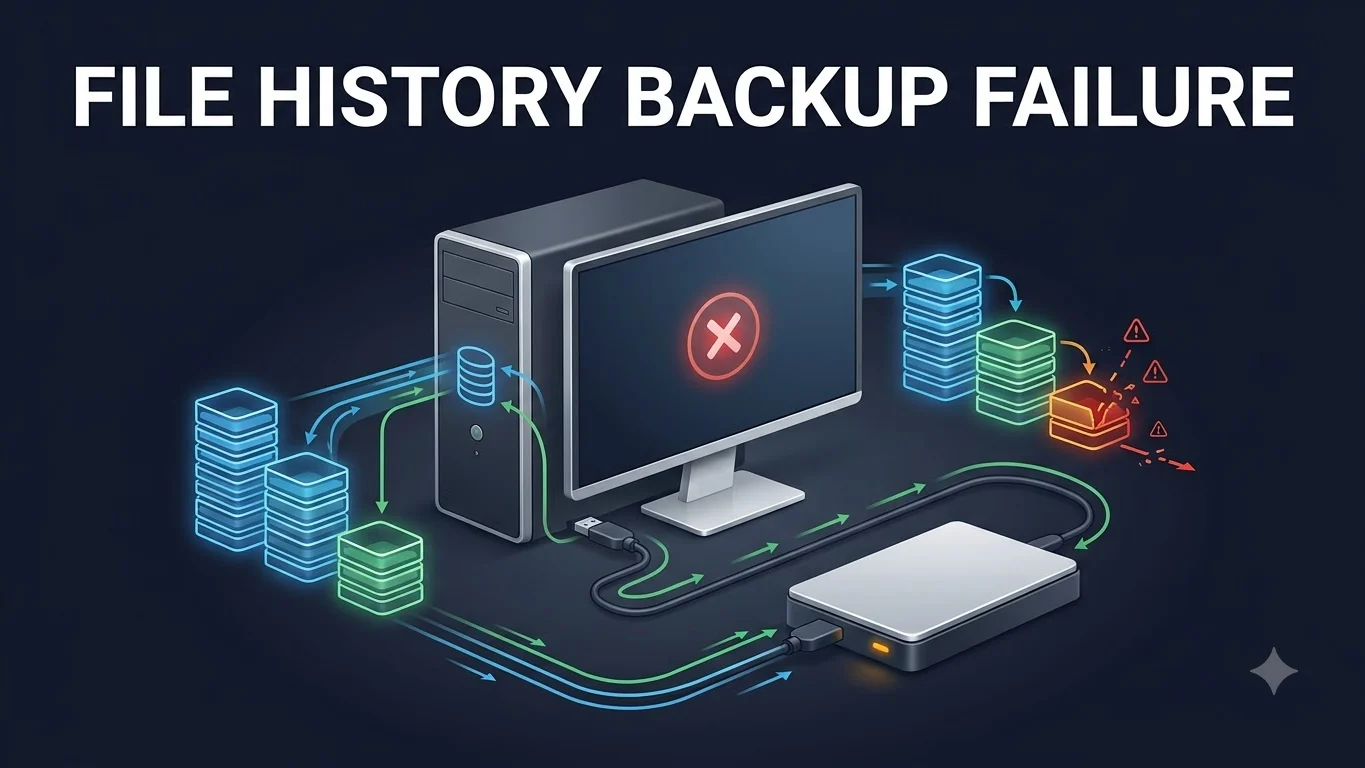
Windows File History not working after the September 2026 update is now a Microsoft-confirmed issue on some supported Windows systems. Microsoft says affected users may be unable to create or update File History backups even when the backup destination is connected and otherwise working.
The known symptoms include an incorrect Reconnect your drive message, a Last Backup timestamp that does not advance, missing previous versions and, on some systems, FileHistory.exe crashes referencing KERNELBASE.dll. Microsoft says it is working on a resolution for a future Windows update, but it has not yet published a File History fix or official workaround.
Which Windows versions are documented with the File History issue?
Microsoft added the File History known issue across several September 2026 Windows update pages. The affected release pages include Windows 11 26H1, Windows 11 24H2 and 25H2, Windows 11 23H2, Windows 10 21H2 and 22H2, Windows 10 Enterprise LTSC 2019 or version 1809, and Windows 10 Enterprise LTSB 2016 or version 1607.
| Windows release | September 2026 update page | File History state |
|---|---|---|
| Windows 11 26H1 | KB5124012 | Known issue listed by Microsoft |
| Windows 11 24H2 / 25H2 | KB5124008 | Known issue listed by Microsoft |
| Windows 11 23H2 | KB5122880 | Known issue listed by Microsoft |
| Windows 10 21H2 / 22H2 | KB5122878 | Known issue listed by Microsoft |
| Windows 10 Enterprise LTSC 2019 / 1809 | KB5122876 | Known issue listed by Microsoft |
| Windows 10 Enterprise LTSB 2016 / 1607 | KB5123099 | Known issue listed by Microsoft |
There is an important documentation wrinkle: Microsoft’s File History known-issue wording on some release pages refers to KB5124008 even though those pages cover other platform-specific September KBs. The safest way to interpret the scope is therefore to use the Microsoft release page for the Windows version installed on the device rather than assuming every affected PC literally installed KB5124008.
How to tell whether this File History regression may be affecting you
Match the device to the relevant Microsoft update page instead of relying on the KB5124008 number alone.
If File History runs but the Last Backup timestamp does not advance, that is one of Microsoft’s documented symptoms.
Affected systems may report that no previous version is available even when File History was previously configured.
Microsoft says the Reconnect your drive warning can appear even when a compatible backup destination is connected and functioning.
Some affected systems log FileHistory.exe crashes referencing KERNELBASE.dll.
Does a connected and readable backup drive rule out the Windows bug?
No. This is one of the most important distinctions in Microsoft’s current guidance. The September regression can produce the Reconnect your drive warning even though the destination itself is connected and usable.
That means users should not automatically conclude that the external disk, network destination or cable has failed solely because File History shows the reconnect message after the September update.
Did later September updates fix File History?
Not according to Microsoft’s current File History status. Microsoft released out-of-band updates for other September Windows problems, but the File History issue remains documented separately as unresolved. A later September update should therefore not be described as a File History fix unless Microsoft explicitly changes the known-issue status.
Does Microsoft have an official workaround?
No Microsoft-supported File History workaround was established in the reviewed guidance. Microsoft currently says it is working on a resolution that will be delivered in a future Windows update.
Some users in Microsoft community discussions have reported that removing a September update restored File History on their machines. That is community-reported behavior, not Microsoft’s published File History remedy. Removing a security update also changes the device’s security state, so TPS does not present rollback as the default fix.
Are existing File History backups deleted?
The current Microsoft issue description does not establish that stored backup files are being deleted. Microsoft says affected users can see no previous version available and may be unable to create or update backups. Those symptoms should not be converted into a claim that existing backup data has been erased.
Does this affect OneDrive or every Windows backup feature?
The reviewed Microsoft issue specifically concerns File History. The evidence used for this article does not establish that OneDrive, the Windows Backup app, system-image backups or third-party backup products are affected by the same regression.
Why the stale-backup risk matters
The main practical risk is not merely an error message. A user can have a backup drive physically connected while File History is no longer creating new versions. If the Last Backup time is stale, the existence of the drive should not be treated as proof that recent files are protected.
Until Microsoft publishes the fix, users who depend on File History should verify the actual backup state rather than assuming that an enabled setting or connected destination means new backups are being created.
When will Microsoft fix it?
Microsoft says it is working on a resolution for a future Windows update. It has not announced the specific fix KB or release date in the evidence reviewed for this article.
This page should be updated when Microsoft publishes the fixed update, a Known Issue Rollback, an official workaround, a root-cause explanation or a change to the affected-version scope.
Verification note
TPS reviewed Microsoft’s September 2026 Windows update documentation across affected Windows 11 and Windows 10 release branches and reconciled the version-specific KB pages with Microsoft’s File History known-issue wording. Microsoft Q&A and Tech Community discussions were used only as supporting evidence of user-reported symptoms and rollback experiences, not as the controlling remediation source.