






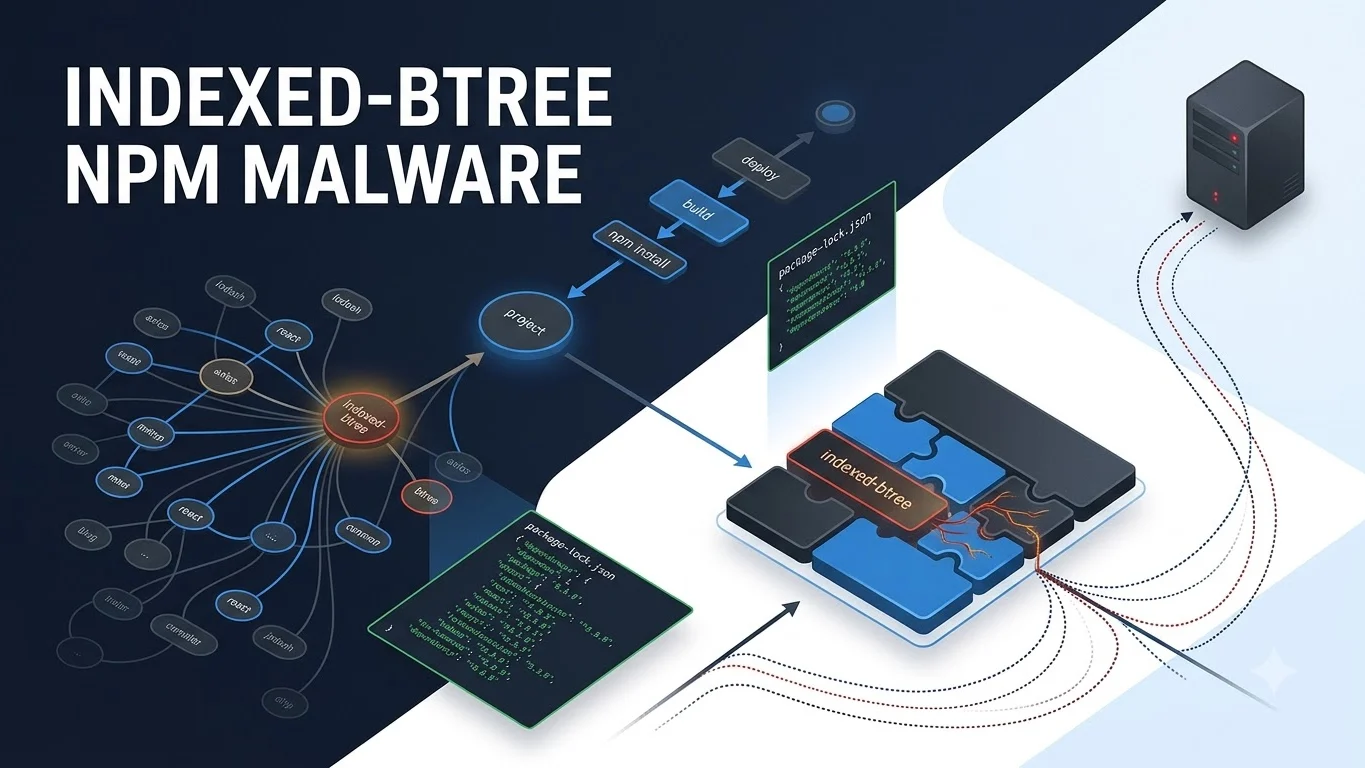
indexed-btree npm malware is not a normal dependency vulnerability with a patched functional version. Checkmarx linked indexed-btree and nine additional npm packages to a malicious supply-chain campaign in which the dangerous code can execute from normal application runtime behavior rather than from familiar npm install lifecycle scripts.
The known packages have since been removed or replaced in normal registry distribution, but that does not mean existing projects are automatically clean. Previously fetched copies can remain in lockfiles, package caches, mirrors, node_modules, container layers, CI artifacts and deployed applications.
Which npm packages are linked to the campaign?
The known package cluster identified in the reviewed research contains 10 names:
indexed-btreeordered-kv-indexbtree-leaderboardpriority-slot-queuebtree-range-storebtree-corebtree-time-indexbtree-lru-cacheneighbor-key-mapsliding-score-window
The legitimate sorted-btree package should not be confused with this list. Checkmarx described indexed-btree as mimicking that legitimate library; the reviewed evidence does not identify sorted-btree itself as malicious.
Why this npm malware is different from an install-script attack
Many npm defenses focus heavily on lifecycle hooks such as preinstall, install and postinstall. The defining feature of this campaign is that the malicious loader was placed inside normal runtime code instead.
That distinction changes the investigation. A clean-looking installation phase does not prove a dependency is safe if malicious behavior activates only after the package is imported and used by the application.
Checkmarx also identified host fingerprinting and communication paths involving Slack and Telegram, with attacker-controlled configuration delivered through infrastructure tied to an Ethereum Sepolia smart contract. Those details help defenders understand the campaign architecture, but they do not mean Ethereum, Slack or Telegram themselves were compromised.
Does finding indexed-btree prove the malware executed?
No. Package presence and runtime execution are different evidence states.
A lockfile entry, cached tarball or historical build artifact proves that the dependency entered some part of the software-supply-chain history. It does not by itself prove that the malicious runtime path executed or that a second-stage payload successfully ran.
At the same time, teams should not interpret that distinction as permission to ignore the finding. If the package was present in a production build or runtime environment, investigation should determine whether the affected code path could have executed and whether there is supporting process, network or filesystem evidence.
Are the packages still available from npm?
Current package-security records indicate that the known campaign packages were removed from normal npm distribution. For indexed-btree, current security surfaces show a security-holding package rather than a normal functional release.
That takedown protects against ordinary new installs resolving the known malicious publication, but it does not rewrite historical package-lock.json files, clear developer caches, rebuild container images or remove already-deployed copies.
What should developers check first?
Start with dependency history rather than only the current npm registry page. Search direct dependencies, transitive dependencies and historical build material for all 10 known package names.
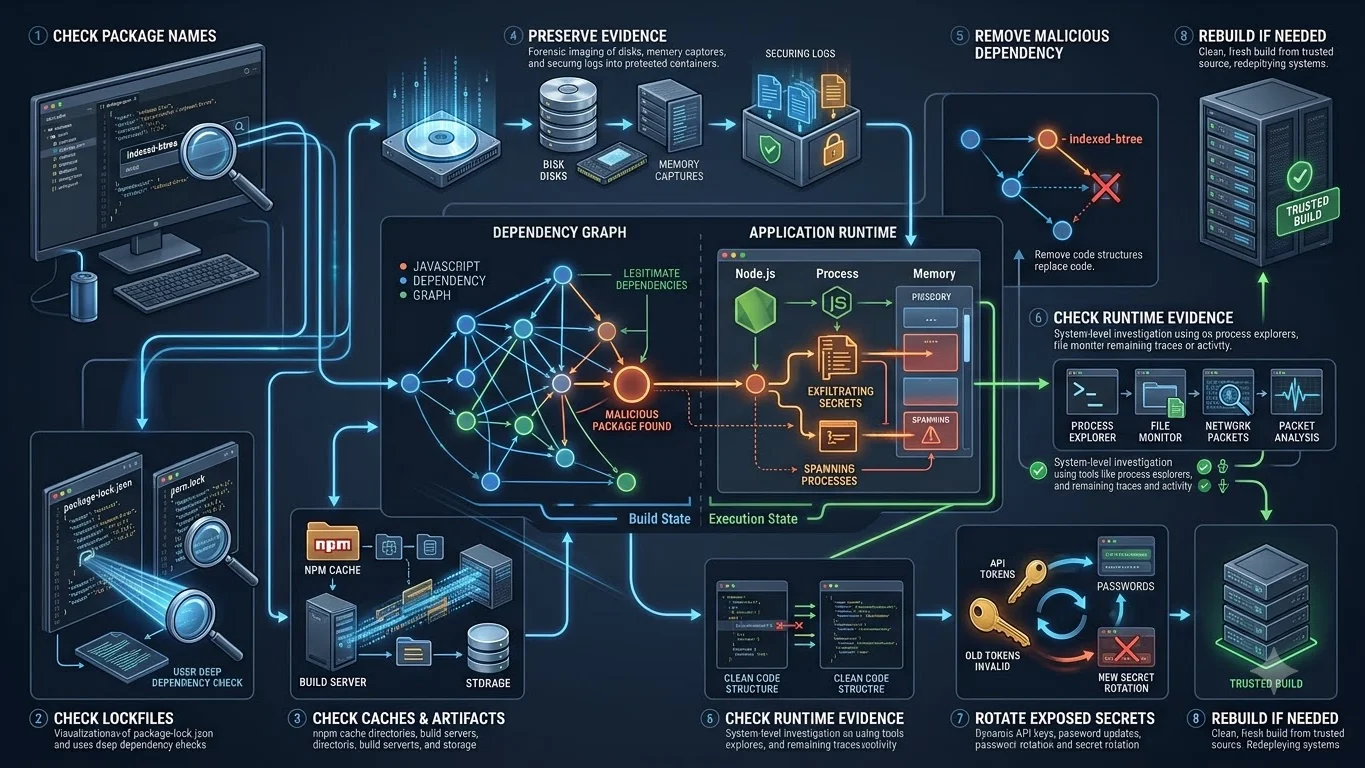
indexed-btree npm malware investigation checklist
- Search
package.json, npm lockfiles and SBOMs for all 10 known campaign package names. - Check whether any package entered the project directly or through a transitive dependency.
- Inspect developer and CI package caches, internal mirrors and retained build artifacts.
- Check container images and deployed application bundles that were built while the malicious versions were available.
- Preserve relevant lockfiles, package metadata, logs and runtime evidence before destructive cleanup if compromise investigation may be necessary.
- Remove the malicious dependency from active dependency state and rebuild from trusted package sources.
- Determine whether the affected package code could have executed in the environment rather than assuming installation alone proves compromise.
- Review available process, filesystem and network telemetry for campaign-related runtime behavior and published indicators.
- If execution or secret exposure cannot reasonably be ruled out, follow the organization’s incident-response process and rotate potentially exposed credentials from a clean environment.
- Continue monitoring for newly identified package names, infrastructure and indicators because the known campaign scope may expand.
What evidence should be preserved before cleanup?
If the package was present in a meaningful development or production environment, preserve enough evidence to distinguish dependency presence from possible execution. Useful material can include affected lockfiles, SBOMs, package-cache metadata, CI job records, container digests, deployment timestamps and relevant endpoint or network telemetry.
Deleting every trace immediately can make later incident reconstruction harder. Evidence preservation matters most where production secrets, deployment credentials or other sensitive access may have been available to the process that loaded the package.
Should teams rotate credentials and secrets?
Malware records reviewed for indexed-btree take a conservative incident-response position when malicious code may have run. If the package was present only in an unused historical artifact, that is a different state from confirmed execution inside a production environment.
If runtime execution or credential exposure cannot reasonably be ruled out, teams should escalate through their normal incident-response process and rotate potentially exposed secrets from a clean system. Secret rotation should be tied to plausible exposure, not to the package’s download count alone.
Is uninstalling the package enough?
Uninstalling removes an active dependency reference, but it does not prove that an environment is clean after possible malware execution. A potentially executed malware environment may require additional investigation, secret rotation and a rebuild from trusted state depending on the evidence available.
Teams should also check old container images, release artifacts and CI caches so the removed package is not accidentally redeployed later.
What do the download numbers actually mean?
Checkmarx reported that indexed-btree had reached nearly two million weekly downloads. That figure is important for understanding distribution scale, but it is not a victim count.
npm download telemetry can include automated systems and repeated retrievals, and the reviewed evidence does not establish how many unique environments actually ran the malicious runtime path. TPS therefore does not treat download totals as proof of compromised developers, organizations or machines.
What about the reported Ethereum wallet?
Current reporting notes a wallet balance associated with the campaign research, but the reviewed evidence does not establish that the funds were stolen from victims or generated by this malware operation. That attribution should remain unproven unless stronger evidence emerges.
What remains unknown?
The reviewed evidence does not establish a confirmed victim count, the exact number of environments where the malicious runtime trigger executed, full attacker attribution, the complete downstream dependency footprint or whether additional malicious package names remain undiscovered.
Infrastructure may also change after publication, so individual Slack, Telegram, blockchain or other indicators should be treated as point-in-time evidence rather than permanent campaign identifiers.
What happens next?
The most important follow-up signals are additional malicious package names, new IOCs, changed command-and-control infrastructure, confirmed victim telemetry, maintainer or attacker attribution, new npm or GitHub guidance, and evidence that legitimate downstream packages pulled one of the malicious dependencies transitively.
Those developments should update this same URL while the reader’s core task remains determining exposure to the indexed-btree campaign and deciding whether dependency cleanup or full compromise response is required.
Verification note
TPS reviewed Checkmarx’s original campaign research together with current package-security records and specialist reporting covering registry removal, malicious-version history and remediation boundaries. The known 10-package cluster and runtime-triggered behavior are supported by the reviewed evidence; actual victim count and execution count remain unknown.