






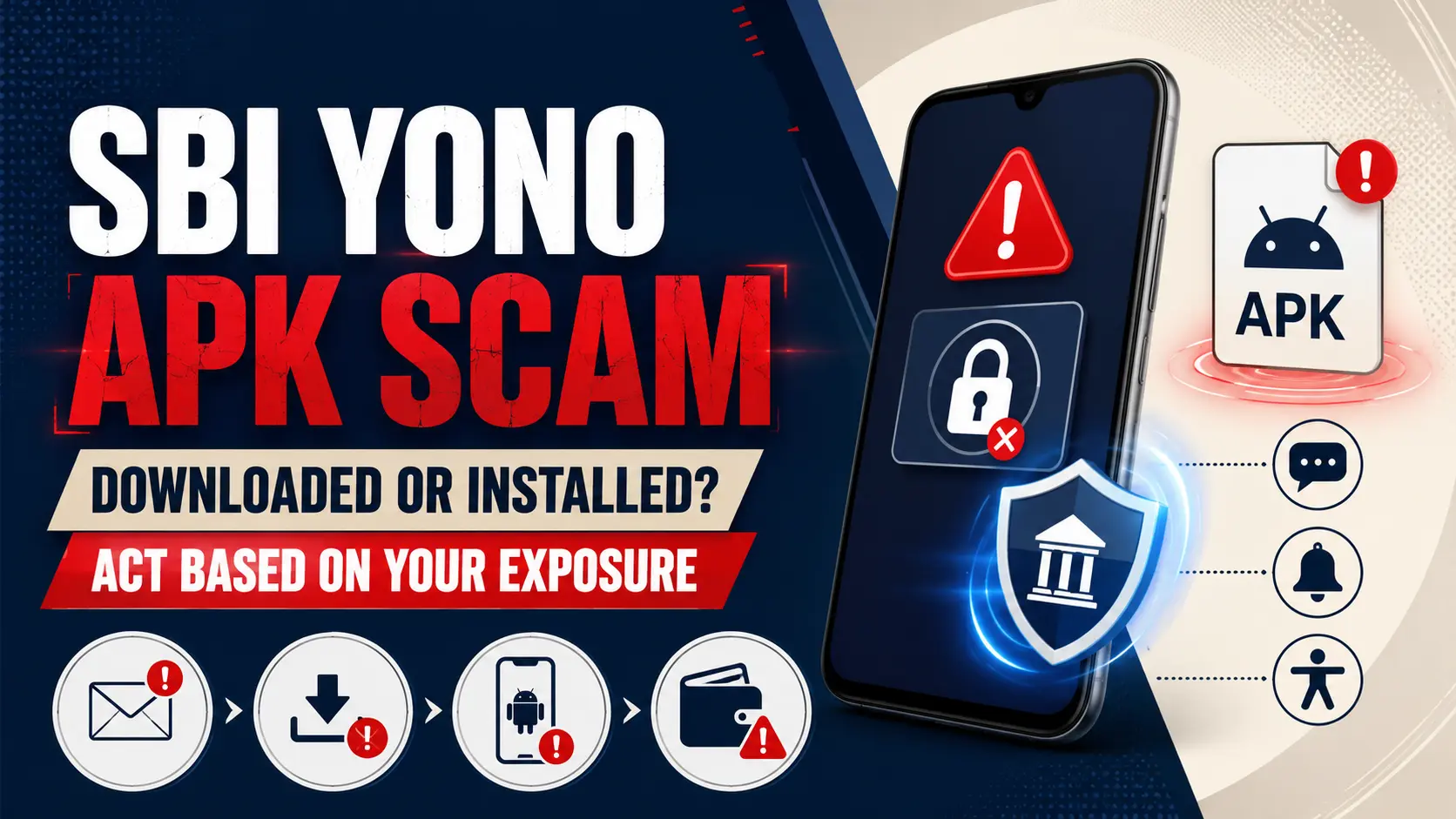
The SBI YONO Aadhaar APK scam uses a fake account-blocking message to persuade customers to install an unsafe Android application file. The claim that YONO will be blocked unless Aadhaar is updated through an APK is fake. Do not install an APK received through SMS, WhatsApp, email or an unknown website.
The correct response depends on what happened. Receiving the message is different from downloading the file, installing it, granting dangerous permissions, entering banking details or losing money.
SBI YONO Aadhaar APK scam: what should you do first?
If you only received the message, do not click it. If the APK was downloaded but never installed, delete it and check unknown-app installation settings. If the APK was installed, stop banking on that phone, disconnect it and contact SBI from another trusted device. If credentials were entered or money was lost, report the unauthorised transaction and call 1930 immediately.
Do not change banking or email passwords on the suspicious phone after the APK has been installed. An app with Accessibility, notification or screen-overlay access may be able to observe what is typed or read one-time passwords. Use another trusted device.
Is the SBI YONO Aadhaar update message genuine?
No. The government has refuted the message claiming that customers must install an APK to update Aadhaar or prevent YONO from being blocked.
SBI advises customers to avoid unknown applications and suspicious links. A genuine-looking logo, profile picture, sender name or urgent deadline does not prove that a message came from the bank.
Fraudsters commonly claim that an account, card, KYC status or mobile-banking service will be suspended unless the user acts immediately.
Identify your exposure before taking action
Stage 1Message received, nothing clicked. No link, attachment or APK was opened.
Stage 2APK downloaded but not installed. The file entered the Downloads folder or messaging-app storage but was never opened.
Stage 3APK installed or permissions granted. The application ran, requested access, displayed a fake screen or disappeared after installation.
Stage 4Credentials, OTP or money compromised. Details were entered, an OTP was exposed or an unauthorised transaction occurred.
Stage 1: message received but nothing was clicked
- Do not open the link, APK attachment or QR code.
- Do not reply or call a telephone number shown in the message.
- Take a screenshot that includes the sender, number, date and complete message.
- Report the suspicious material to report.phishing@sbi.co.in.
- Verify any warning only through the official YONO application, SBI Internet Banking or SBI’s official website.
- Delete the message after preserving the evidence.
Merely receiving the message does not mean the phone is infected. The main action is to avoid interacting with it and report it through official channels.
Stage 2: APK downloaded but not installed
Downloading an APK is not the same as installing or running it. The exposure is generally lower when the file was never opened, but the file should not remain on the phone.
Do not open the APKDo not tap the file to inspect it, even when Android displays a security warning.
Delete every saved copyCheck Downloads, WhatsApp Documents, Telegram, browser downloads and the file-manager trash folder.
Review unknown-app installation accessCheck whether the browser, messaging application or file manager is allowed to install unknown applications. Disable that access where it is unnecessary.
Run the built-in security scanUse Google Play Protect or the security scanner supplied by the phone manufacturer.
Monitor the device and accountWatch for new applications, unusual login alerts, permission prompts, SMS forwarding or unexpected transactions.
A factory reset is not normally justified merely because an APK was downloaded but never opened or installed. The response should match the actual exposure.
Stage 3: APK installed or permissions granted
Treat the phone as potentially compromised. A malicious application may abuse legitimate Android features to read notifications, display a fake login page, intercept messages, capture the screen or control parts of the device.
Stop using the phone for bankingDo not open YONO, Internet Banking, email, UPI or other payment applications on that device.
Disconnect internet accessTurn off Wi-Fi and mobile data. Airplane mode can help stop further communication while the device is being assessed.
Contact SBI from another deviceUse a separate phone or trusted computer and tell SBI that an unknown APK was installed.
Preserve basic evidenceWhere it can be done safely, photograph the application name, icon, installation screen and permission requests using another device.
Review dangerous permissionsCheck Accessibility, notification access, display over other apps, SMS, calls, device administrator, unknown-app installation and screen-sharing access.
Revoke access and remove the applicationRemove high-risk permissions before uninstalling. When removal is blocked, Safe Mode or professional technical assistance may be required.
Change important passwords from a clean deviceChange SBI, email, Google or Apple account passwords and review signed-in devices and recent activity.
Consider whether the phone requires a resetA factory reset becomes more reasonable when the application disappeared, remote-control behaviour occurred, removal failed or dangerous permissions were granted.
Uninstalling the visible application does not prove that every malicious component has been removed. A reset is not automatically required in every case, but it may be safer when compromise cannot be ruled out.
Which Android permissions should be checked?
Stage 4: credentials entered, OTP exposed or money lost
This is a financial-emergency stage. Early reporting may improve the chance of restricting further transactions and tracing transferred funds.
- Contact SBI’s unauthorised-transaction helpline immediately.
- Ask SBI to restrict digital access and block affected cards where required.
- Call 1930 for financial cyber fraud.
- Submit a complaint through the National Cyber Crime Reporting Portal.
- Report the transaction through SBI’s official grievance channel or branch.
- Change banking, email and linked-account passwords from a clean device.
- Contact the mobile operator if SIM compromise or unexpected loss of mobile service is suspected.
- Preserve transaction IDs, beneficiary information, messages, telephone numbers, screenshots and complaint acknowledgements.
Calling 1930 does not automatically reverse a transaction, and SBI does not guarantee reimbursement in every case. Report without delay and retain the acknowledgement number issued by every authority.
Official SBI reporting contacts
Phishing-report email: report.phishing@sbi.co.in
National cybercrime helpline: 1930
SBI unauthorised-transaction toll-free number: 1800 11 1109
SBI mobile toll-free number: 94491 12211
SBI toll number: 080-2659 9990
National Cyber Crime Reporting Portal: cybercrime.gov.in
Use numbers and links published on SBI’s official website. Do not use a customer-care number embedded in the suspicious message, an advertisement, a social-media reply or an unofficial website.
How to report the fake message to SBI
- Forward the original email where possible, including its headers.
- For SMS or WhatsApp, attach screenshots showing the sender and complete message.
- Include the suspicious URL or filename without reopening it.
- State whether the file was only received, downloaded, installed or used.
- State whether banking information, Aadhaar details, PINs or OTPs were entered.
- Do not include passwords, PINs, OTPs or the full account number in an ordinary email.
How to block an SBI debit card
SBI’s published phishing guidance says a customer can block a debit card through the official YONO application or by sending BLOCK XXXX to 567676 from the registered mobile number, where XXXX represents the final four digits of the card.
Blocking the debit card does not automatically secure Internet Banking, email, UPI access or a compromised phone. Follow any additional restrictions advised by SBI.
Will SBI refund money lost through the fake APK?
No universal refund promise can be made. The result may depend on how the compromise occurred, whether confidential information was shared, how quickly the incident was reported and what SBI establishes during its investigation.
Ask SBI to record the exact complaint time and retain all acknowledgement numbers. The reporting timeline may later become relevant.
What remains unconfirmed?
- whether all circulating scam messages use the same APK filename;
- whether every APK variant requests the same Android permissions;
- whether all files belong to the same malware family;
- whether a particular phone was compromised when the file was opened;
- whether uninstalling removed every malicious component;
- whether SBI will restrict the entire account or only selected services;
- whether a disputed transaction will be reimbursed;
- how long the bank or cybercrime investigation will take.
Frequently asked questions
Is the SBI YONO Aadhaar APK message fake?
Yes. The government has refuted the claim that customers must install an APK to update Aadhaar or prevent YONO from being blocked.
Is the phone infected when the APK was only downloaded?
Downloading is not the same as installing. Do not open the file. Delete it, review unknown-app installation access and run the phone’s built-in security scan.
What should I do after installing a fake SBI APK?
Stop banking on the phone, disconnect it, contact SBI from another device, call 1930, check dangerous permissions and change important passwords from a clean device.
Is uninstalling the suspicious APK enough?
Not necessarily. Review permissions and device behaviour. Consider professional inspection or a factory reset when high-risk permissions were granted or compromise remains possible.
What is SBI’s phishing-report email?
SBI publishes report.phishing@sbi.co.in for suspicious messages and cyber incidents.
Which SBI number should be called after an unauthorised transaction?
SBI lists 1800 11 1109, 94491 12211 and 080-2659 9990 for unauthorised electronic transactions. Financial cyber fraud should also be reported through 1930.
Does calling 1930 guarantee recovery of the money?
No. It creates an urgent cyber-fraud report and may support rapid intervention, but it does not guarantee reversal or reimbursement.
Should every person who receives the message factory-reset the phone?
No. Merely receiving the message does not require a reset. A reset is more relevant after installation, dangerous permissions, hidden-application behaviour, failed removal or continuing signs of compromise.