







Google says an exploit for CVE-2026-85046 exists in the wild. The Chrome vulnerability affects versions before 152.0.7977.82, while Google’s September 3 Stable Channel release shipped 152.0.7977.82/.83 for Windows and Mac and 152.0.7977.82 for Linux.
The most useful question is not simply whether Google released a patch. It is whether the Chrome version actually installed on your device or deployed across your fleet has reached the corrected build.
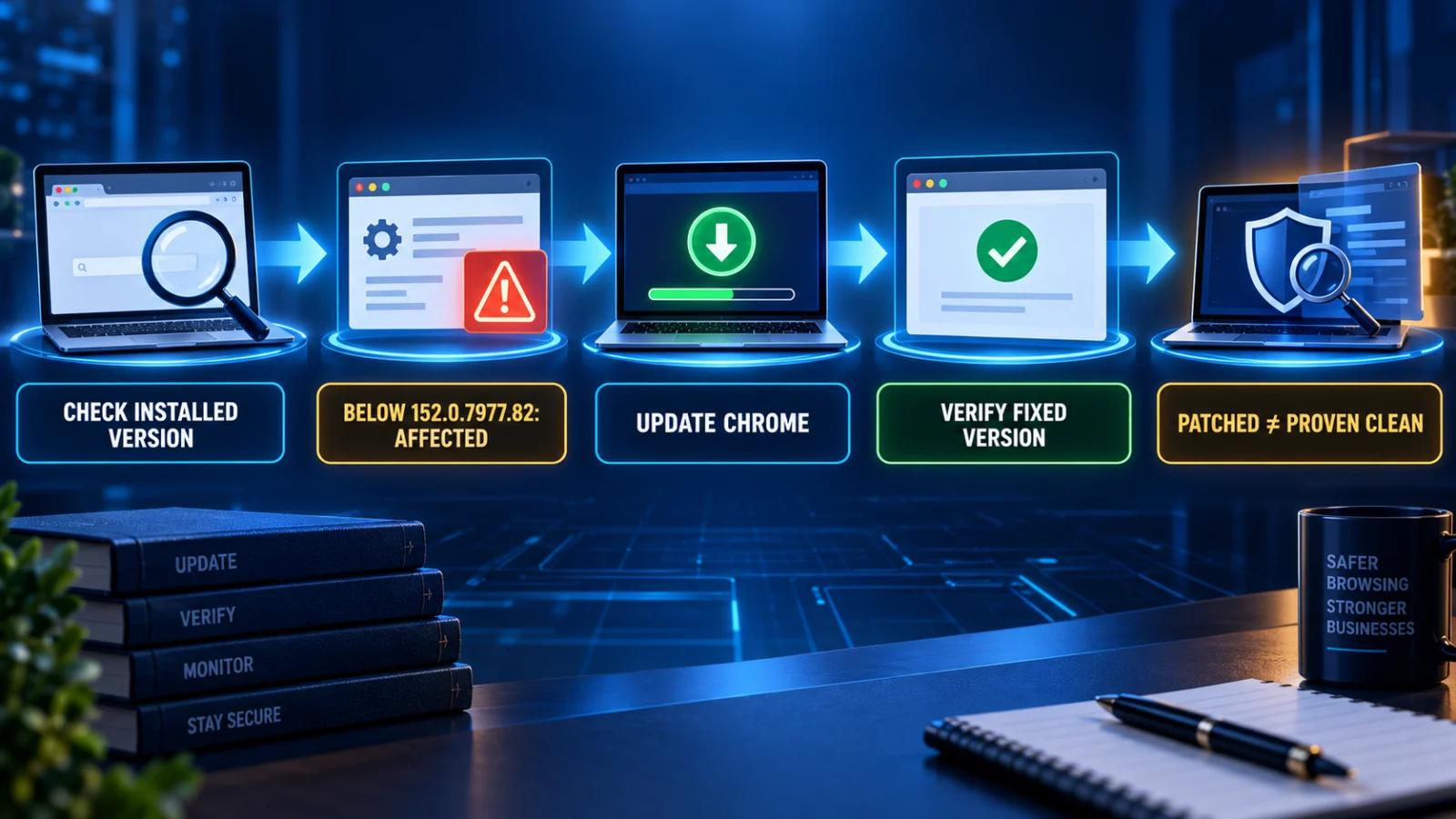
Direct answer: if your Chrome installation is still below the corrected release, it remains in the affected version range described for CVE-2026-85046. Update Chrome and then verify the version actually installed. A successful update establishes the current patch state; it does not retrospectively prove that the device was never exposed or compromised before the update.
What is CVE-2026-85046?
CVE-2026-85046 is a High-severity type-confusion vulnerability in Chrome’s V8 JavaScript engine. The published CVE description says a remote attacker can use a crafted HTML page to execute arbitrary code inside the Chrome sandbox.
That wording matters. The evidence reviewed for this article does not establish that the vulnerability by itself provides a browser sandbox escape or full-system compromise. Those stronger claims should not be inferred from the CVE description.
Which Chrome versions are affected?
The structured vulnerability record identifies Chrome versions prior to 152.0.7977.82 as affected.
Google’s September 3 Stable Channel release shipped the following corrected desktop builds:
- Windows and Mac: 152.0.7977.82/.83
- Linux: 152.0.7977.82
The platform-specific release string is important. Do not simplify the Windows and Mac release to only one build number when Google lists both .82 and .83.
Why should you verify the installed version instead of assuming Chrome updated?
Google says Stable Channel updates roll out over the coming days and weeks. That means an update being available and a particular endpoint actually having the corrected version are two different states.
A browser may still be behind because the update has not yet reached the device, the browser has not been relaunched, the endpoint has been offline, management policy has delayed rollout or inventory information is stale.
Open Chrome’s About or update surface and record the version the browser actually reports.
For Chrome, versions before 152.0.7977.82 fall inside the affected range described for CVE-2026-85046.
Allow Chrome to download and install the available Stable update and relaunch the browser if required.
Confirm the browser now reports the corrected or a later vendor-supported version rather than assuming the rollout succeeded.
What should normal Chrome users do?
Use Chrome’s built-in About or update flow to check the current installed version, allow the available update to install and relaunch Chrome if the browser requests it. After the relaunch, check the reported version again.
The important evidence is the version the browser actually reports after the update, not simply the fact that an update notification appeared.
What should enterprise administrators verify?
Organizations managing Chrome across many endpoints should verify the actual deployed version across their browser inventory rather than relying only on an update policy, rollout job or intended configuration.
A useful remediation state is one where managed inventory shows the affected installations have moved to the corrected release or a later supported build. Internal evidence may come from browser-management tooling, endpoint inventory, software-distribution records or another established fleet-management process.
Does installing the update prove the device was never compromised?
No. Version verification answers the current remediation question: is this installation still running the vulnerable build?
It does not answer the historical question of whether exploitation occurred before the update. Those are different evidence problems.
The reviewed public material does not establish a comprehensive victim list, attacker identity or authoritative set of campaign-specific indicators of compromise for CVE-2026-85046. TPS therefore does not treat every formerly vulnerable Chrome installation as proven compromised, and it also does not treat patching as proof that no previous exploitation occurred.
Does every patched Chrome device need a full incident-response investigation?
The reviewed evidence does not establish a universal requirement to run a full compromise investigation on every device that was previously below the corrected version.
Organizations should separate routine remediation from incident investigation. If there is independent evidence of suspicious activity, known exposure, unusual browser behaviour, endpoint alerts or another reason to suspect compromise, follow the organization’s incident-response process. The patch itself should not be used as a substitute for that assessment.
What does the CISA KEV addition mean?
CVE-2026-85046 was added to the U.S. Cybersecurity and Infrastructure Security Agency’s Known Exploited Vulnerabilities catalog after Google confirmed exploitation. The reviewed KEV information lists a September 18, 2026 remediation due date for the relevant covered U.S. federal systems.
That date should not be presented as a universal deadline for Indian companies, private organizations or ordinary Chrome users. It is useful evidence that CISA considers the vulnerability important enough to prioritize because exploitation is known.
What about Edge, Brave, Opera, Vivaldi and other Chromium browsers?
The vulnerability concerns Chromium’s V8 engine, so other Chromium-based browsers can require attention. However, Chrome’s exact fixed version number must not be copied onto another browser as though every vendor uses the same release numbering or patch schedule.
If you use another Chromium-based browser, check that vendor’s own security advisory and current release channel. The correct defensive question is whether that browser vendor has incorporated the relevant Chromium fix into the version you actually run.
What about Chrome for Android?
Google also released Chrome 152.0.7977.82 for Android on September 3 and states that Android releases contain the same security fixes as the corresponding desktop releases unless otherwise noted.
This article’s primary fixed-version decision path remains focused on the desktop Stable advisory because that is the controlling source for the Windows, Mac and Linux version details above.
What should you preserve as remediation proof?
For an individual user, the most practical evidence is the version Chrome reports after the update. For an organization, preserve whatever normal asset or endpoint evidence shows the deployed browser version across the affected fleet.
The purpose is to distinguish three states that are often confused:
- an update exists;
- the endpoint actually installed it;
- there is evidence about whether the endpoint was previously compromised.
Those are not equivalent.
What remains unknown about the attacks?
Google has confirmed exploitation but has not, in the material reviewed for this article, publicly established the attacker identity, victim list, geographic scope, comprehensive campaign indicators or whether a separate sandbox-escape vulnerability was chained with CVE-2026-85046.
Claims about ransomware use, widespread compromise or a specific threat actor should therefore be treated as unverified unless supported by new authoritative evidence.
What happens next?
The main signals to watch are further Google advisory updates, broader deployment of corrected Stable builds, CISA KEV changes, downstream Chromium-browser security releases and any credible new evidence describing exploitation scope or indicators.
For now, the defensible reader action is straightforward: check the installed version, update if needed, verify the resulting build and do not confuse patch state with proof of historical cleanliness.
Verification and limitations
CONFIRMED: Google says an exploit for CVE-2026-85046 exists in the wild.
CONFIRMED: Chrome versions before 152.0.7977.82 are identified as affected, and Google released 152.0.7977.82/.83 for Windows and Mac and 152.0.7977.82 for Linux.
CONFIRMED: CISA has treated the vulnerability as known exploited and prioritized remediation.
NOT ESTABLISHED: a universal victim set, public comprehensive IOC package, attacker attribution, ransomware association or confirmed sandbox escape from the evidence reviewed.